Apps that work from the first tap.
No sign-up wall and no server to wait for. We build mobile apps for iOS and Android that do one job well and keep your data on your phone.
Four habits in every app.
Local first
Your data stays on the device unless the product truly needs more.
No wall
No account before you get value. You open it and it works.
Few permissions
We block what the app doesn't need. Padel Coach asks Android for two.
Checked by script
Every rule of the app runs through automated checks before a build.
Padel Coach: a coach in your pocket.
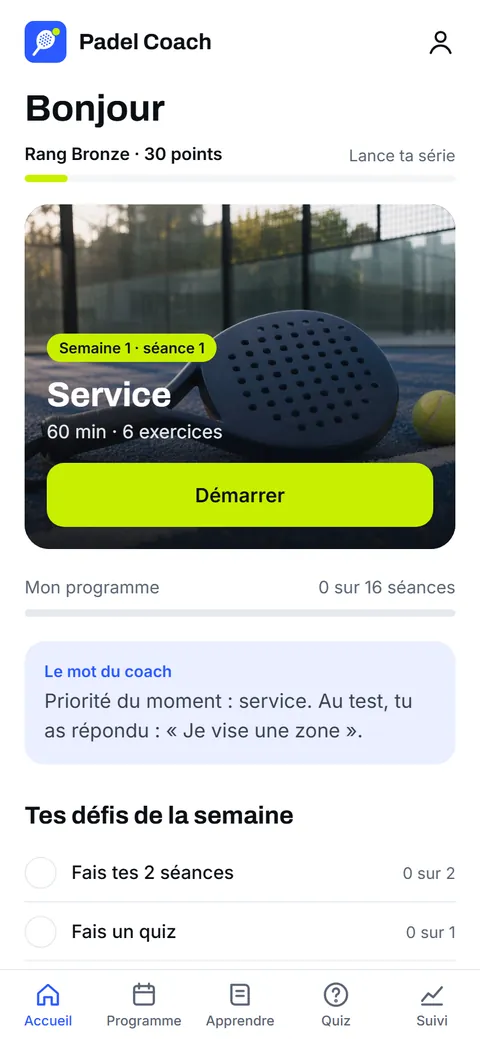
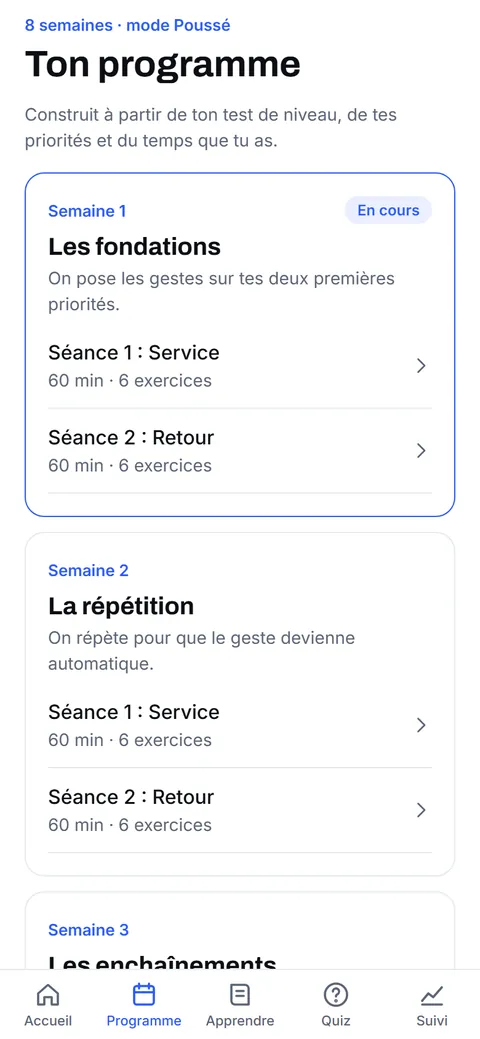
A level test, then a programme that follows your weak spots. The plan adapts to how each session felt and to your match results.
- Level test in two modes: 23 or 45 questions
- 4-week or 8-week programmes, built from your weakest themes
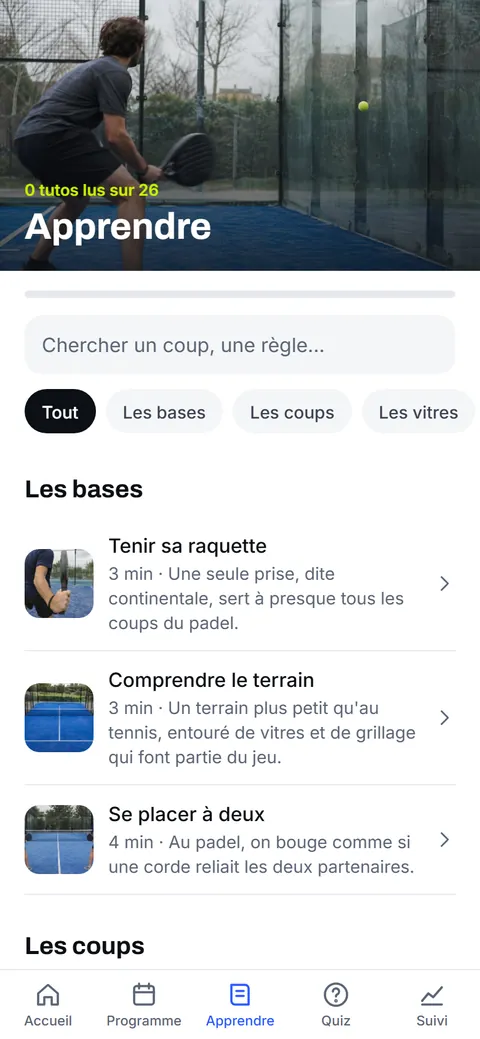
- 26 tutorials and 52 exercises with photos and animated courts
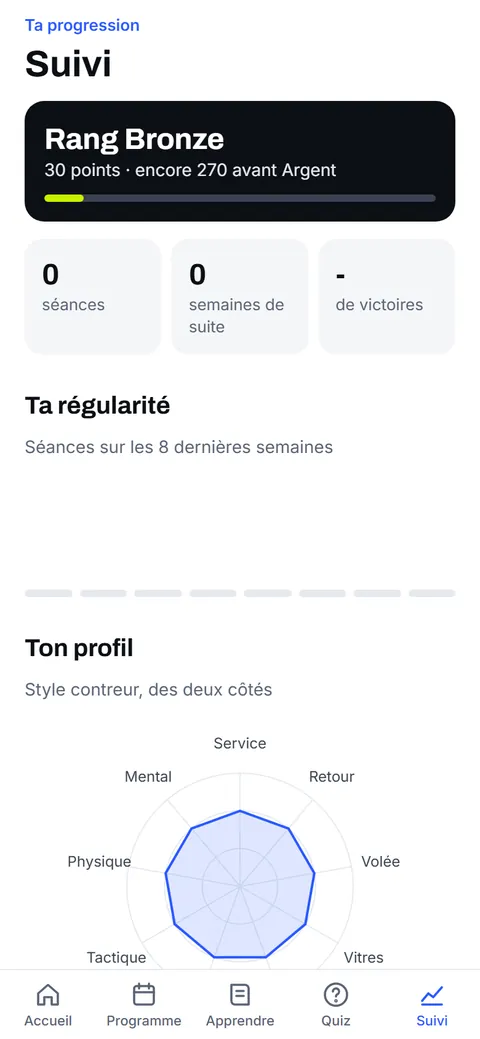
- Score counter, guided tournaments for 4 to 24 players, badges and ranks
From the test to the training plan.
Budget Enveloppes: money in clear boxes.
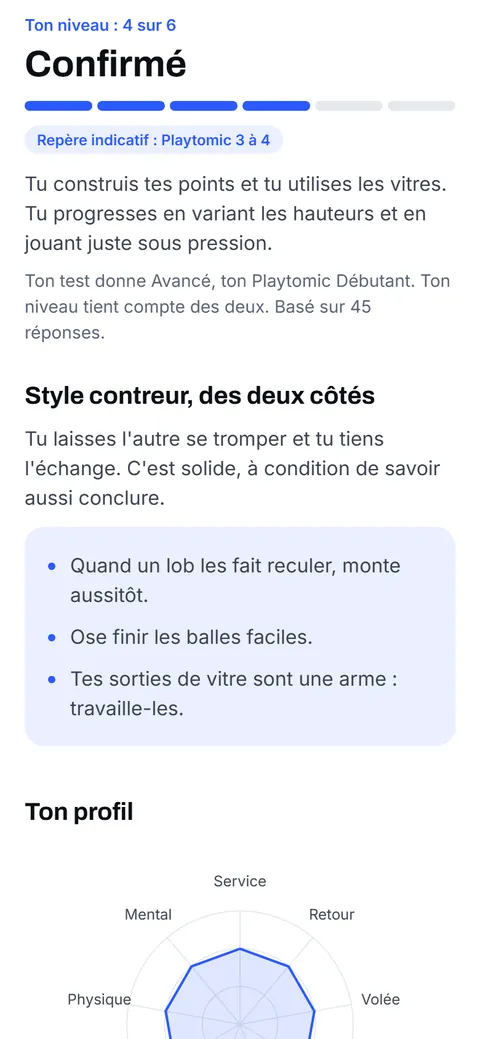
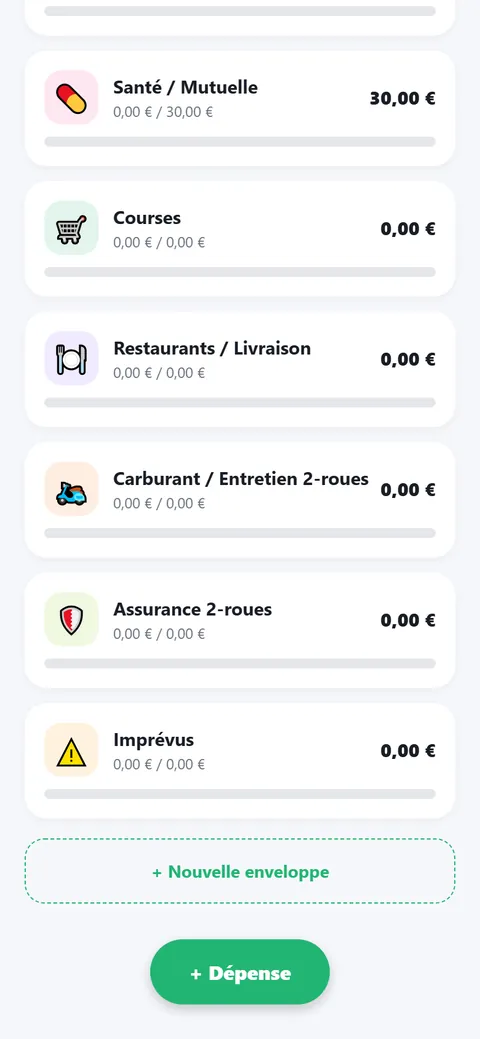
The envelope method on your phone. A few questions about your real costs produce a budget with real amounts, not percentages.
- Budget cycle set on your payday, not the 1st of the month
- Yearly costs saved month by month in their own envelope
- Month closing with carry-over, stats and archives
- 100% local: no sync and no server
CaloScan: a reusable scan skeleton.
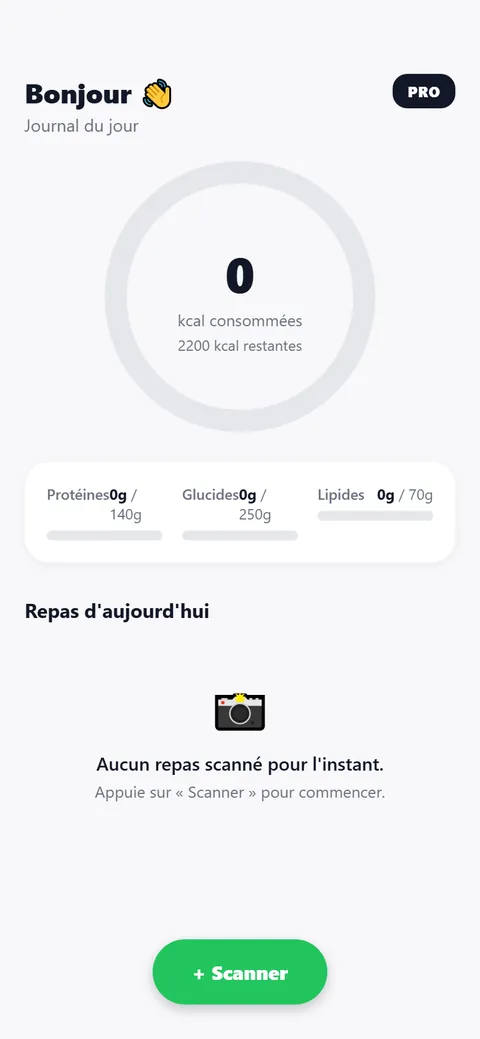
Photo in, structured result out, then a daily log and an offer screen. We built it to learn the pattern behind today's scan apps, and the skeleton can move to another niche by changing the prompt and the result screen.
What building with us looks like.
Scope
What the app must do, for whom, and what it can skip.
Prototype
Real screens you can click, usually in a browser first.
Build
One codebase for iOS and Android with Expo and React Native.
Audit
Adversarial review and automated checks on every rule.
Publish
Store listing, privacy policy and a page that can rank.
App questions.
iOS or Android?
Both. We build with Expo and React Native, so one codebase serves the two stores.
Are your apps published?
Not yet. Publishing accounts are being finalised. Each page here says what is done and what is left, such as testing on real phones.
Does the app work offline?
That is our default. Data stays on the phone unless the product truly needs a server, which keeps the app fast and the privacy policy short.
Can you turn a website into an app?
Sometimes. If the product is mostly content, a good mobile site is cheaper and better for search. We tell you which one fits before you spend anything.
Who handles the store listing?
We prepare it with you: description, screenshots, privacy policy and age rating. The developer account itself stays under your name or your company.
Can you add payments or a backend?
Yes, when the product needs them. Our default is local-first because it is simpler, cheaper to run and better for privacy.
Got a project? Tell us where it stands.
A few lines are enough. A person reads them and answers within one business day.